Too many places to look.
- Restocks buried in supplier messages.
- Sales records disconnected from stock.
- Online customers asking for photos and prices one by one.
- A sales total that tells only half the story.
For the business you’re building
You’ve put too much into your business to run it on guesswork. Bring your counter, inventory, suppliers and online shop together — and see where every sale takes you.
Your shop website, hosting and provided link included. No separate hosting bill or domain purchase needed to start.
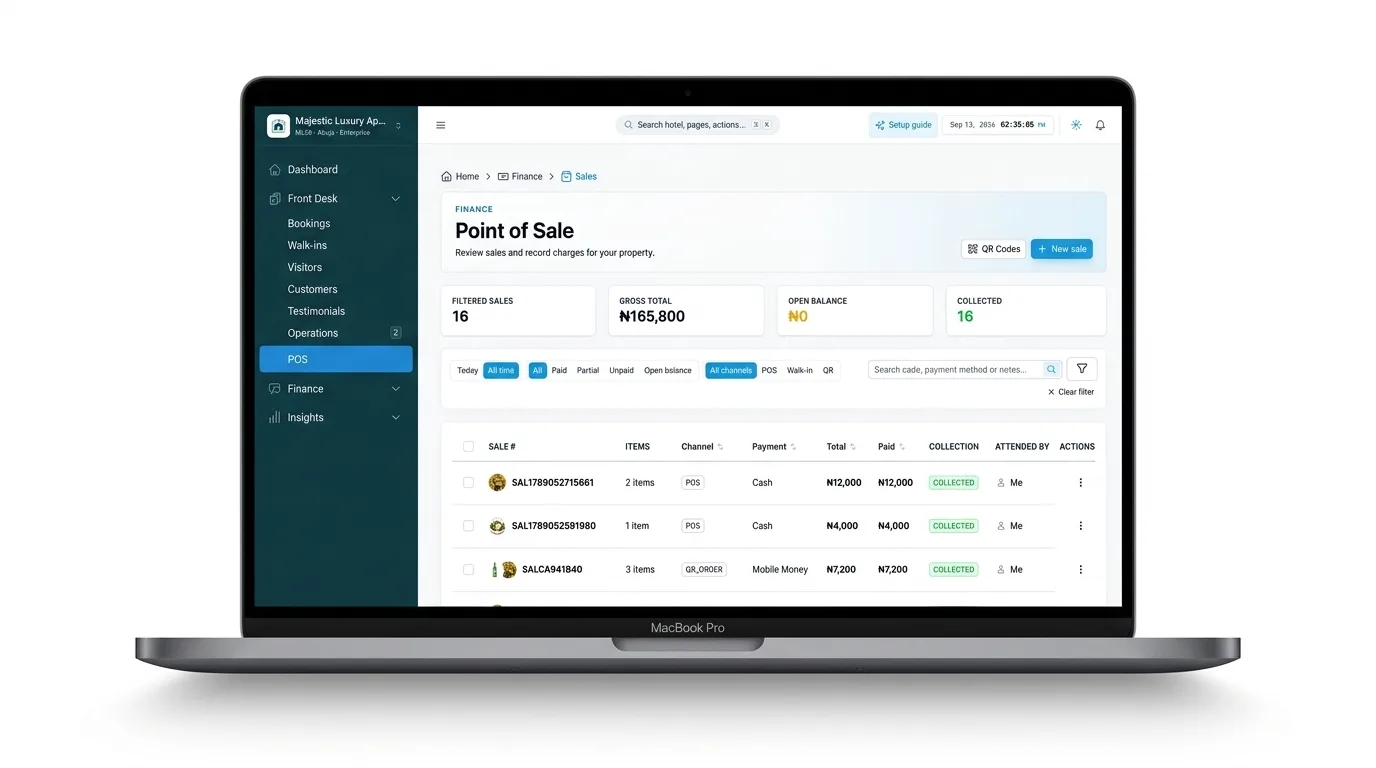
Fashion & shoes · Hair & beauty · Groceries · Restaurants & bars · Everyday retail
Sound familiar?
A notebook for sales. Messages for orders. A separate list for stock. At the end of the day, you’re still asking what sold, what’s missing and what you actually earned.
Put your money into stock, not a complicated till
Start with the phones, tablets or computers you already have. Install the Lodgestatus app on staff phones or open it in a browser. A dedicated checkout computer, receipt machine and separate scanner do not have to be your first purchases.
Give staff their own accounts and turn existing devices into selling stations. Add counters as your shop grows, within your plan’s staff limits. Existing computers work too.
Browse and search products on screen. Add supported scanning and receipt-printing hardware when it suits your workflow. Compatible hardware is optional; you can start without buying a full traditional till setup.
Keep your counter, products, staff activity and online orders together. Run multiple selling stations without sharing one staff login.
Your staff’s phone. Your business rules.
On POS Enterprise, set working hours, holidays and your business time zone. Outside those hours, selling staff see a waiting screen with the next opening time. The workspace opens again when the shift begins.
Owners, admins and managers retain access after closing. You can also disable an individual staff account yourself, ending its online access without waiting for the schedule.
Set up a shop you control →The selling workspace is closed for the night.
Next opening · 9:00 AMYour staff screen opens automatically when working hours begin.Keep the counter moving
Sign in and load your products while connected. If the internet drops, record supported walk-in payments on that prepared device. Sales stay saved locally and sync automatically when connectivity and staff access return.
Record cash or other payments already collected. See which sales are waiting to sync. Online gateways, discounts and customer credit need a connection.
Each saved sale carries its own reference. Reconnecting or retrying posts the same sale once. Prices, stock and permissions are checked before acceptance; entries needing attention stay visible.
See payments grouped by method, daily sales, costs and profit. Export CSV for a day or date range, or print your report. Unsynced sales enter central reports after syncing.
Offline use requires an existing signed-in session and a catalogue loaded within the last 24 hours. Keep the device’s app data until sales sync. Working hours apply locally; account changes are verified on reconnection.
More than a payment screen
From the first supply to the final receipt, keep the details that matter together.
Record opening stock, buying costs, restocks, sales and damaged goods. Follow stock movements so you know what came in, what went out and what is left.
Keep your suppliers, supply records and stock purchases together. See what you bought, who supplied it and the cost behind the products you sell.
Find a product, build the sale, record payment and issue a receipt. Keep a clear history of what was sold and who sold it.
See revenue alongside the cost of goods sold, expenses and damaged-stock losses. Understand what earns money and where your costs are going.
Show product pictures, prices and categories on a website built for your business. Customers can browse, build a cart and place an order from their phone.
Share your shop link or print a QR banner. Connect QR codes to selling points so customers reach the right catalog when they scan.
Offer payment on delivery, bank transfer or a supported gateway you connect. Choose whether payment is required before an order is processed. Gateway availability and provider fees apply.
Set the states you serve and a delivery price for each. Collect the customer’s state, city and street address, with the configured delivery fee shown at checkout.
Keep customer details and sales history in one place. Choose the contact details required at checkout. POS Pro and Enterprise also support storefront customer accounts.
Create staff accounts and assign roles. Follow sales activity without sharing one login. Product, staff and business limits depend on your plan.
Record a credit sale against a customer, see what has been paid and follow the outstanding balance. Keep the sale and payment history connected.
Compare sales, products, stock purchases and expenses. Review receipts and print business reports for your records.
A little less chasing
POS Pro and POS Enterprise add automatic paid-sale receipts and unpaid-balance reminders by email and WhatsApp. Enterprise also adds business hours and holidays. Messaging needs available units, customer contact details and the relevant channel connection; WhatsApp template approval may apply.
Your shelves, beyond your front door
Sell online and in store from one system. Your shop website and hosting are included with your POS subscription, without a separate hosting fee or a required domain purchase. Give your products a place customers can return to. Add your business name, logo, product images and prices. Share your shop link in a message, on social media or on a printed QR code.
POS subscription required. Optional domain purchases, add-ons and gateway fees are charged separately.
Share a link. Print a QR code.
Give the next customer a way in.
Make it feel like your business
Six thoughtfully different storefronts. Preview each one on desktop, tablet and mobile in your dashboard before you apply it. POS Standard starts with Provision; choose your layout on POS Pro or Enterprise.
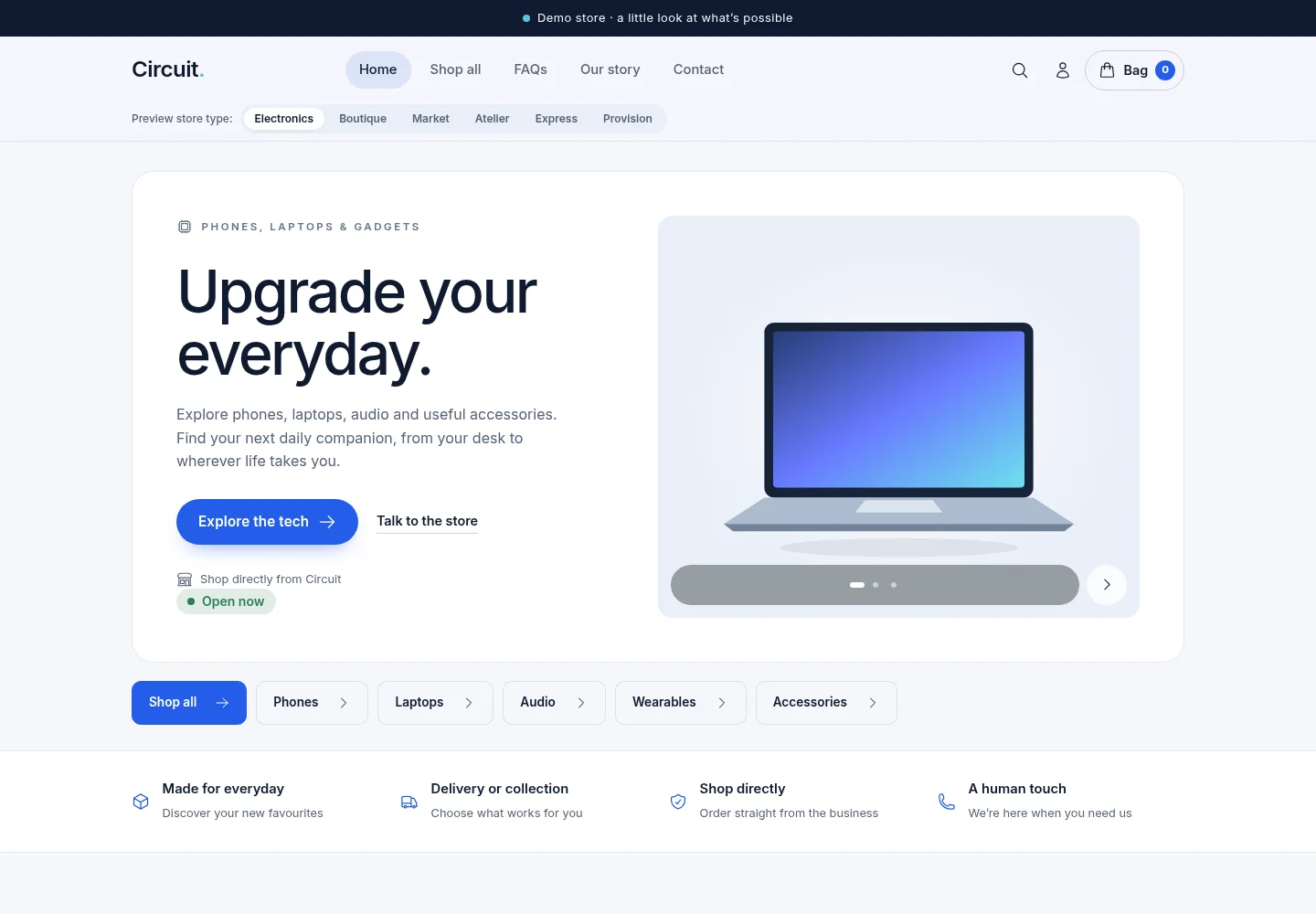
A crisp storefront for phones, laptops, audio and everyday gadgets.
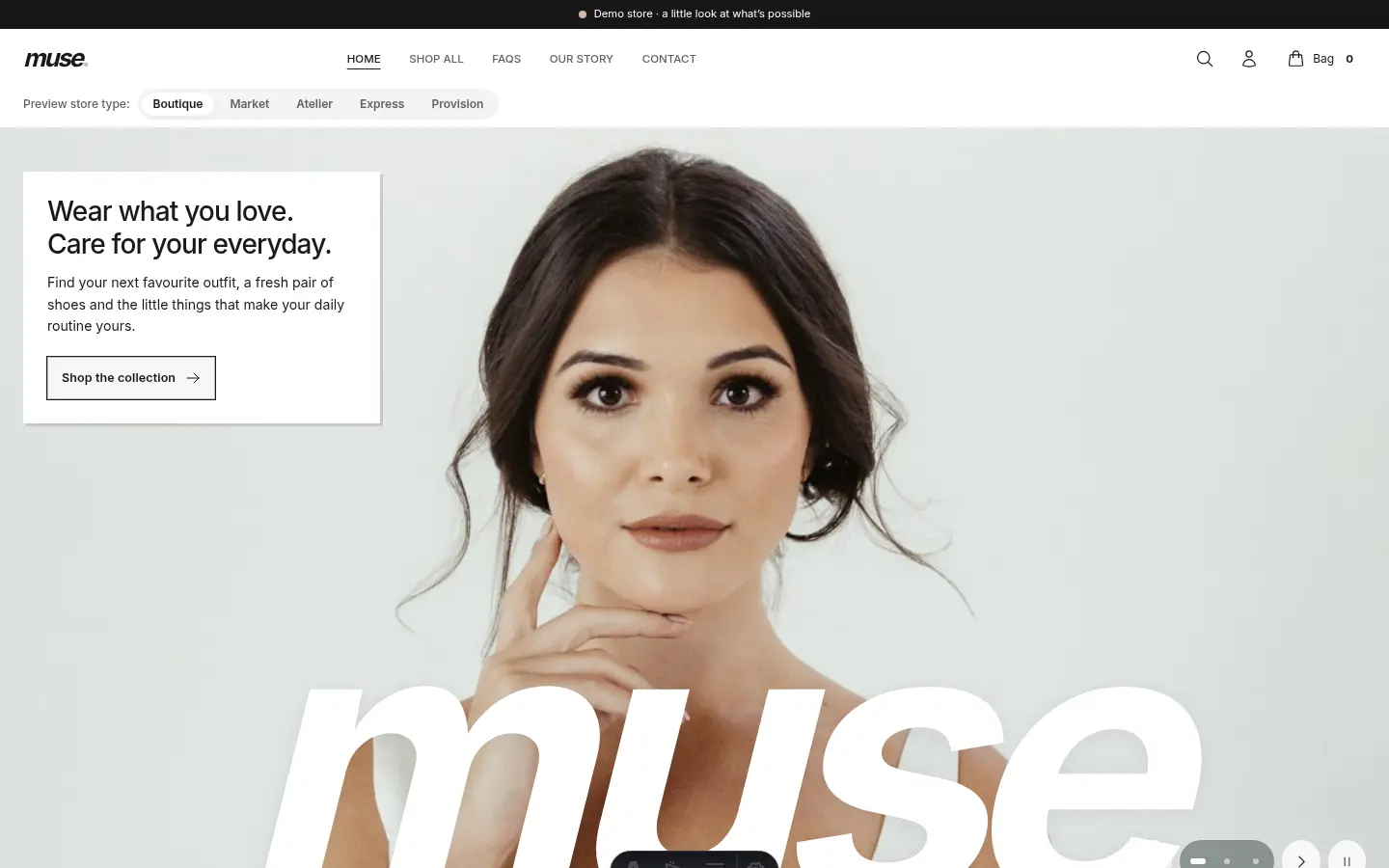
An editorial storefront for fashion, shoes and accessories.
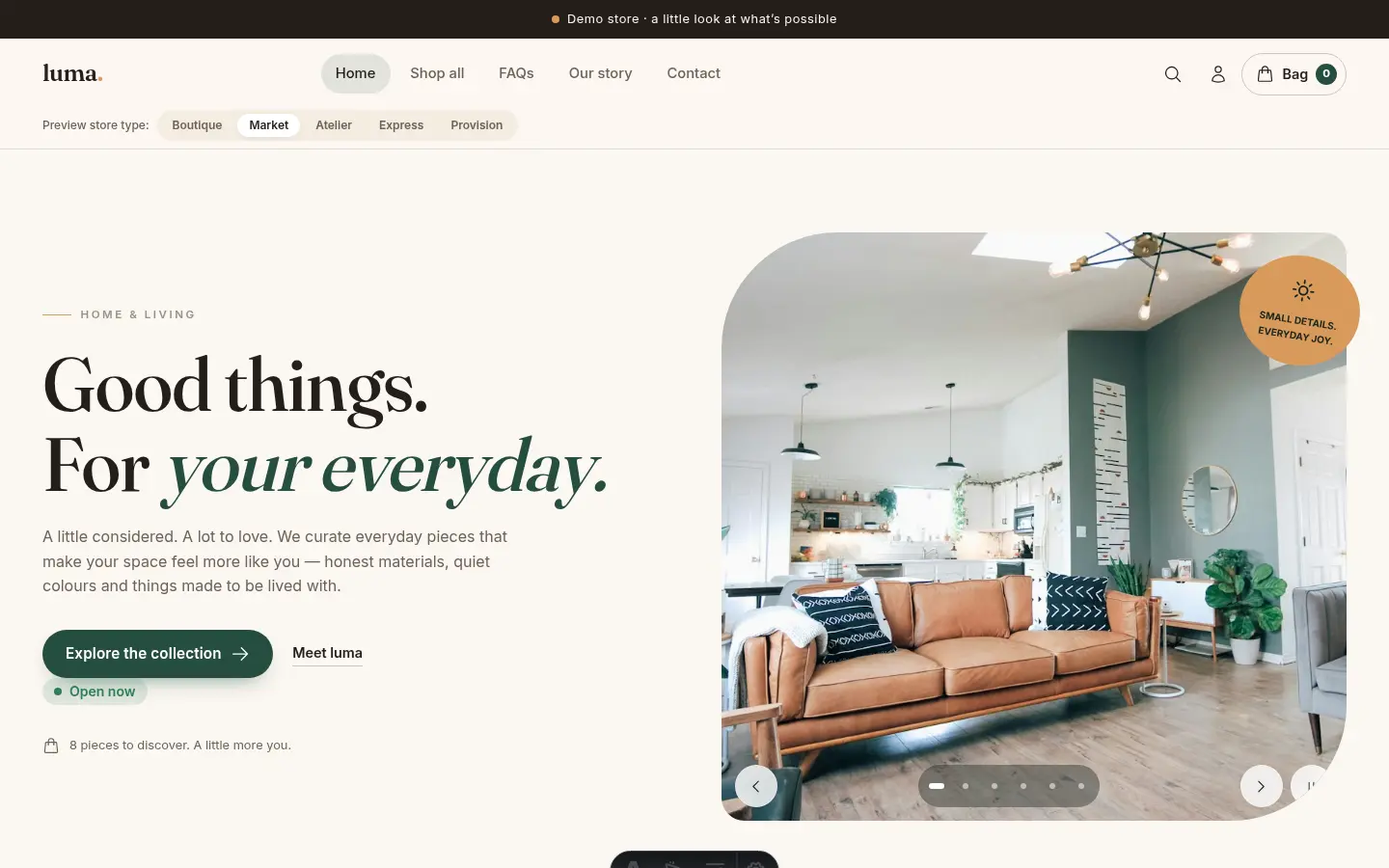
A welcoming shop for groceries and everyday essentials.
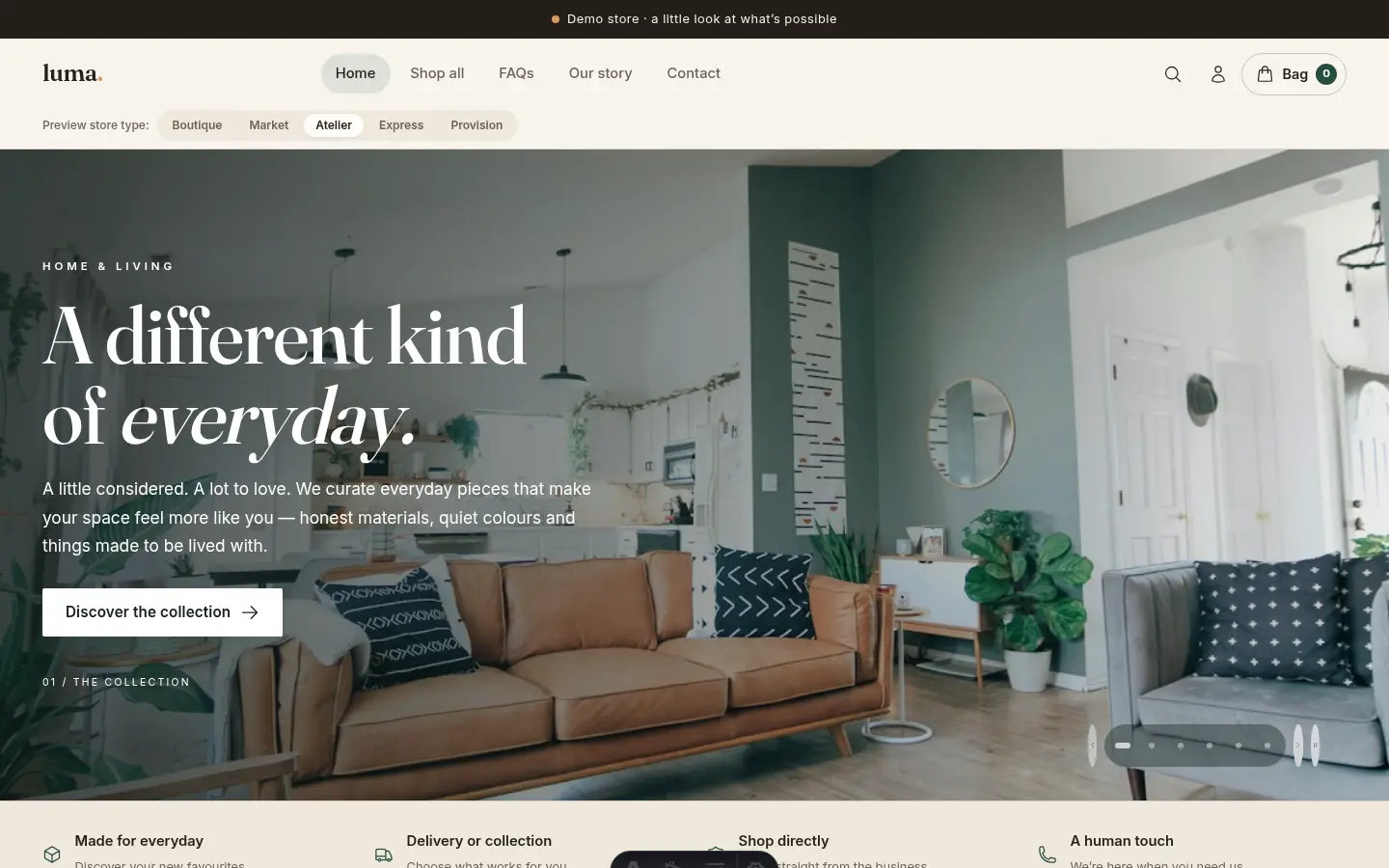
A refined showcase for hair, skincare, beauty and curated products.
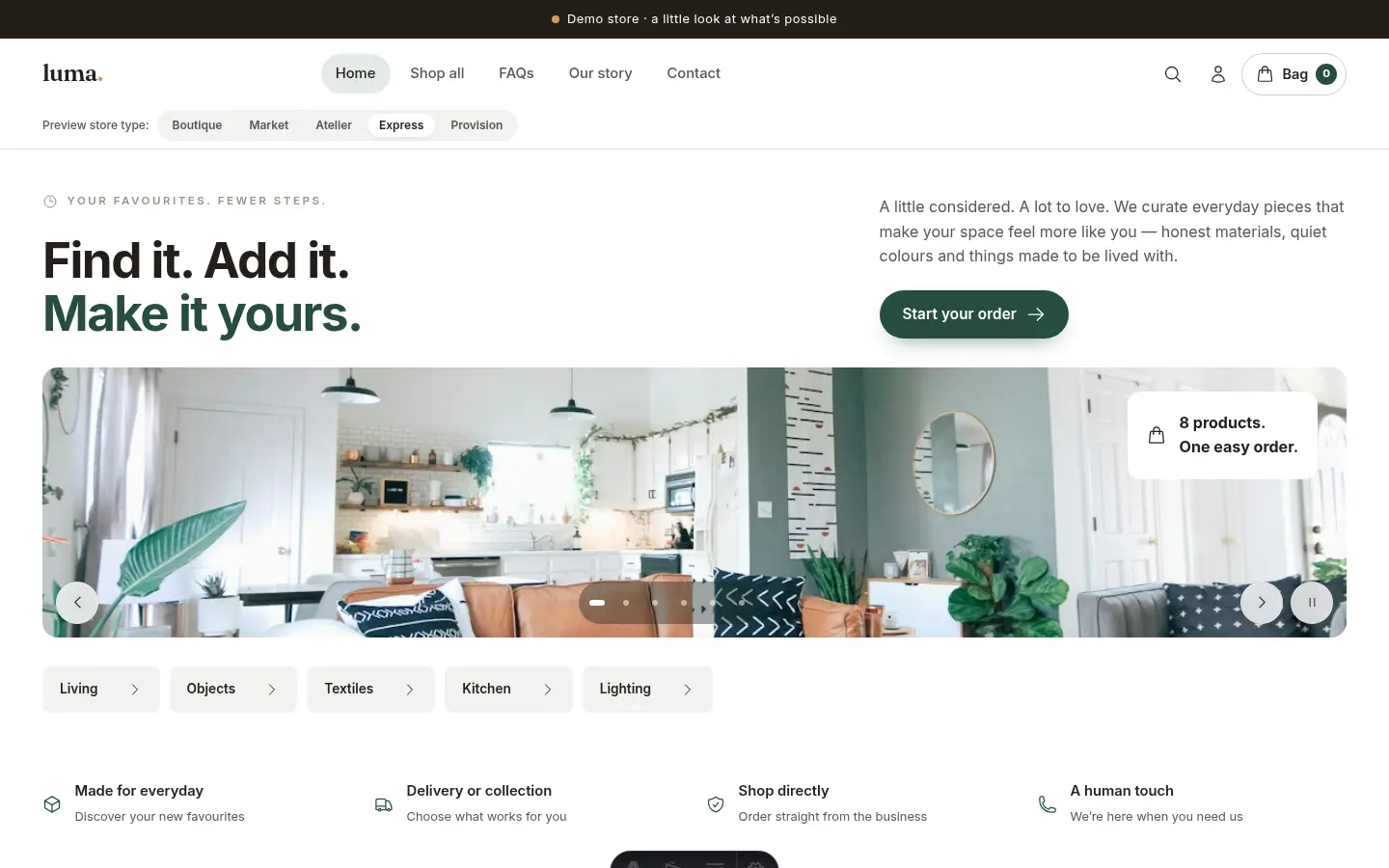
A direct ordering layout for food and repeat purchases.
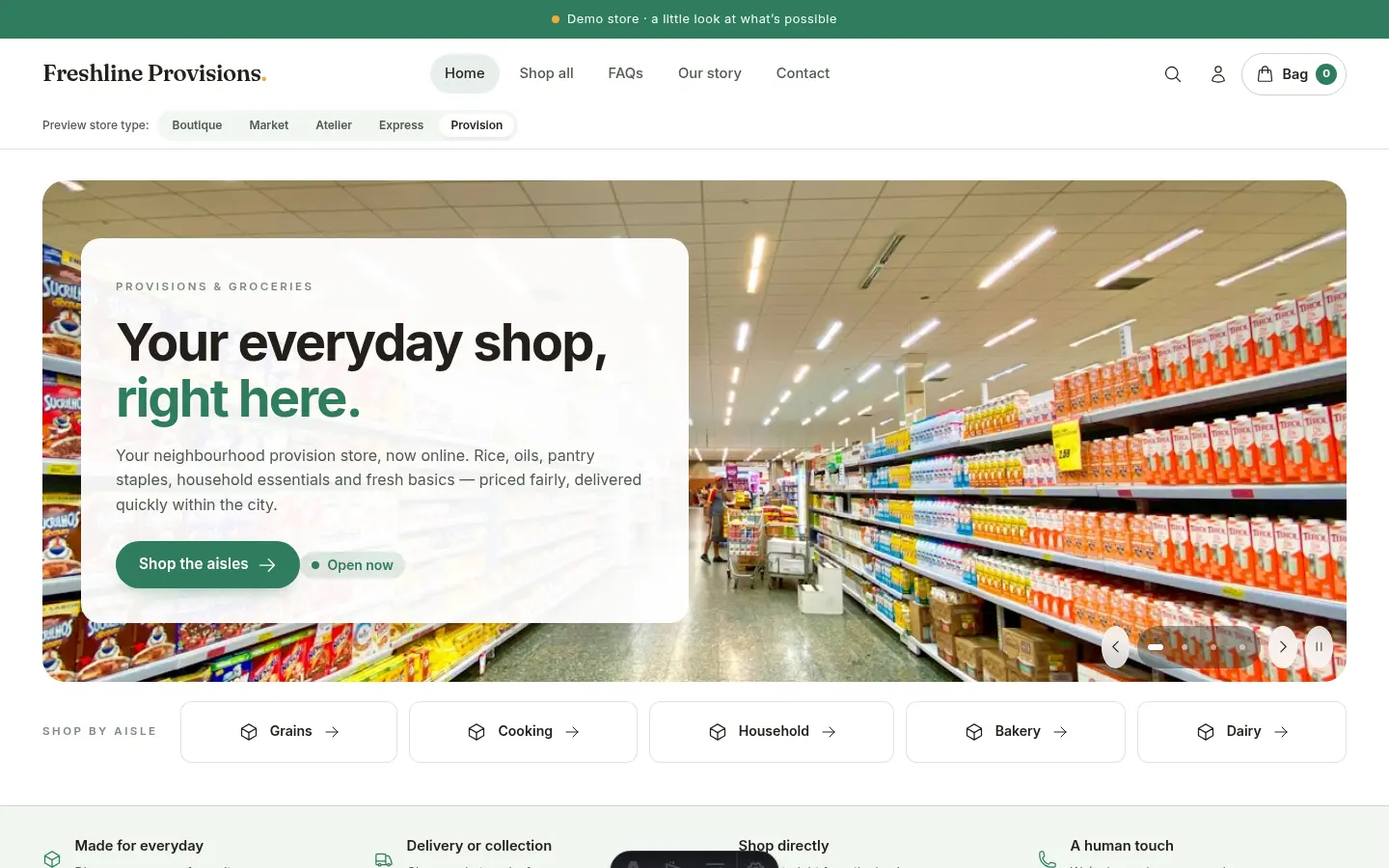
A practical catalog with product groups and unit pricing.
Example shops show sample products. All layouts use the same supported ordering flows; plan features still apply.
From an idea to your next sale
Choose a POS plan. Add your business name, logo, contact details and public shop link.
Add products, pictures, selling prices, costs and opening quantities. Record your suppliers and new supplies.
Choose payment options, delivery states and prices, and required customer details. Preview your storefront and select a template if your plan includes it.
Sell at the counter. Share your link or QR code. Follow your sales, stock and reports as the business grows.
Clear before checkout
Set a delivery price for every state you serve. Let customers pay on delivery or require payment before processing. Keep their state, city and street address with the order.
Connect your bank account for transfers, or enable a supported gateway such as Stripe, Paystack, OPay or Bachs. Available options depend on your account, country and currency; provider fees apply. Your shop shows the options you enable.
Set up my order rules →Lagos State · Ikeja
Customer’s full street address
Illustrative prices. You set your own rates and payment options.
A plan for the stage you’re at
Choose the limits and features that fit your business today. Compare current pricing before you commit.
From $3/month
Built for your business
For single shops, bars & restaurants.
For your next chapter
For growing shops, bars & restaurants.
Built for your business
For retail chains & multi-branch outlets.
*Messaging units, channel setup and applicable WhatsApp approvals required. Review the pricing page for full limits and add-ons.
Before your next step
Need help matching the setup to your business? Talk to our team →
No. Your online shop uses a provided Lodgestatus shop link, such as pos.lodgestatus.com/shop/your-business. You do not need to buy a domain or arrange separate hosting to use that link. Your POS subscription and its limits still apply.
Yes. Connect a domain you own, or a subdomain such as shop.yourbusiness.com, from Website settings. Domain registration, connection options and any applicable add-on charges are shown in your dashboard. Your provided shop link remains available.
Yes. Preview the actual templates on desktop, tablet and mobile in your dashboard. POS Pro and POS Enterprise let you select among five layouts. POS Standard uses the Provision layout.
No. POS plans are for selling businesses: boutiques, beauty and hair shops, groceries, restaurants, bars and other product sellers. You can run your sales and inventory without using hotel booking tools.
Set your order rules and bank details, or connect a supported payment gateway when available for your business. Customers use the options you enable. Payment on delivery is available if you allow it. Provider setup, verification and transaction charges depend on the gateway.
POS Pro and POS Enterprise can send paid-sale receipts and unpaid-balance reminders by email and WhatsApp, subject to message units, contact details, a connected WhatsApp account and any required template approval. Enterprise also supports business hours, holidays and scheduled staff access.
Compare product, staff and business limits on the pricing page. Start with the plan that fits your current shop. Choose Pro or Enterprise for template selection and customer accounts, and Enterprise for the additional automation and business-hours controls.
POS Pro and POS Enterprise include an offline desktop mode: keep selling and recording sales when your connection drops, and the records sync back when you are online again. POS Standard is cloud-only.
Yes. Every POS plan includes a hosted online shop where customers browse your products and place orders. Share your shop link or QR code, or connect your own domain. In-person and online selling share the same products, stock and orders — one system, one stock count.
Yes. In Nigeria plans are billed in Naira — from the cheapest POS monthly price — with bank-transfer proof and supported local gateways, so your costs stay predictable. Outside Nigeria billing is in US dollars.
The next chapter is yours
Your products. Your customers. Your name on the shop.
Start bringing it all together with Lodgestatus POS.
Hospitality Insider · Fortnightly
Join 1,200+ hoteliers, GMs & owners getting actionable tactics on direct bookings, OTA commission escape, guest retention & front-desk ops — every second Tuesday.